
Conversations & Testing
Review conversations and test your Atlas Blue agent
Every campaign has a Messages tab for reviewing conversations and testing the agent.
Sessions Explorer
- Left Panel: Lists all conversations with status indicators
- Right Panel: Full message thread in chat-style interface
- Gear icon: Opens Atlas Blue Configuration for phone number management
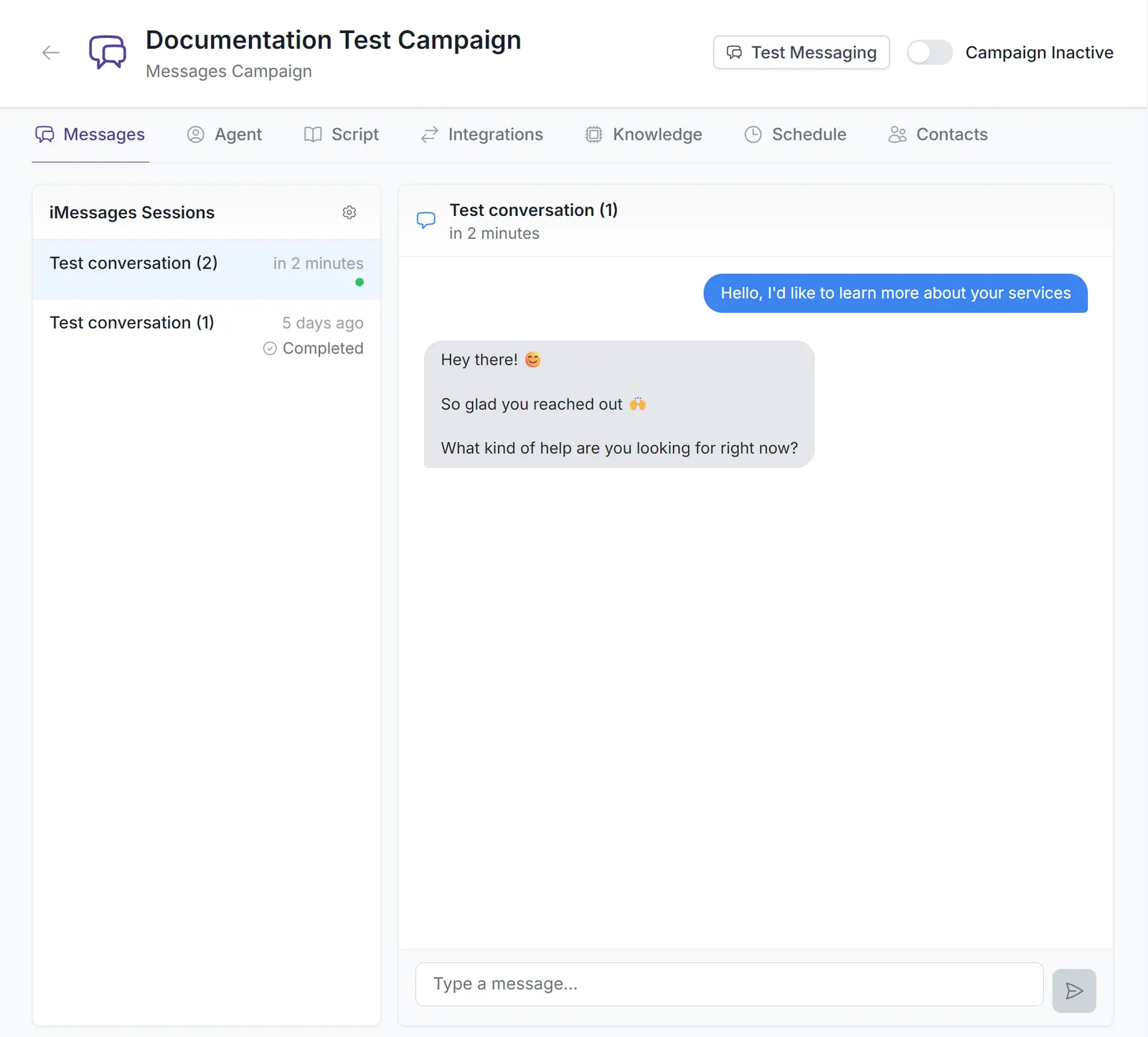
Searching conversations
Use the search bar at the top of the conversations list to quickly find a specific conversation by contact name or phone number:
- Matching is case-insensitive and works on partial names (e.g.
janematches “Jane Doe”). - Phone number matching ignores formatting — you can type any run of digits from the number (e.g.
5551234) to find a match. - The list filters instantly as you type; use the clear (X) button to reset it.
- If no conversations match your search, the panel shows a “No conversations match your search” message.
Search matches every contact in the campaign, not just the conversations currently loaded in the visible list. Test conversations keep their original numbering regardless of an active search filter.
Testing Your Agent
Click Test Messaging to open a simulated iPhone interface.
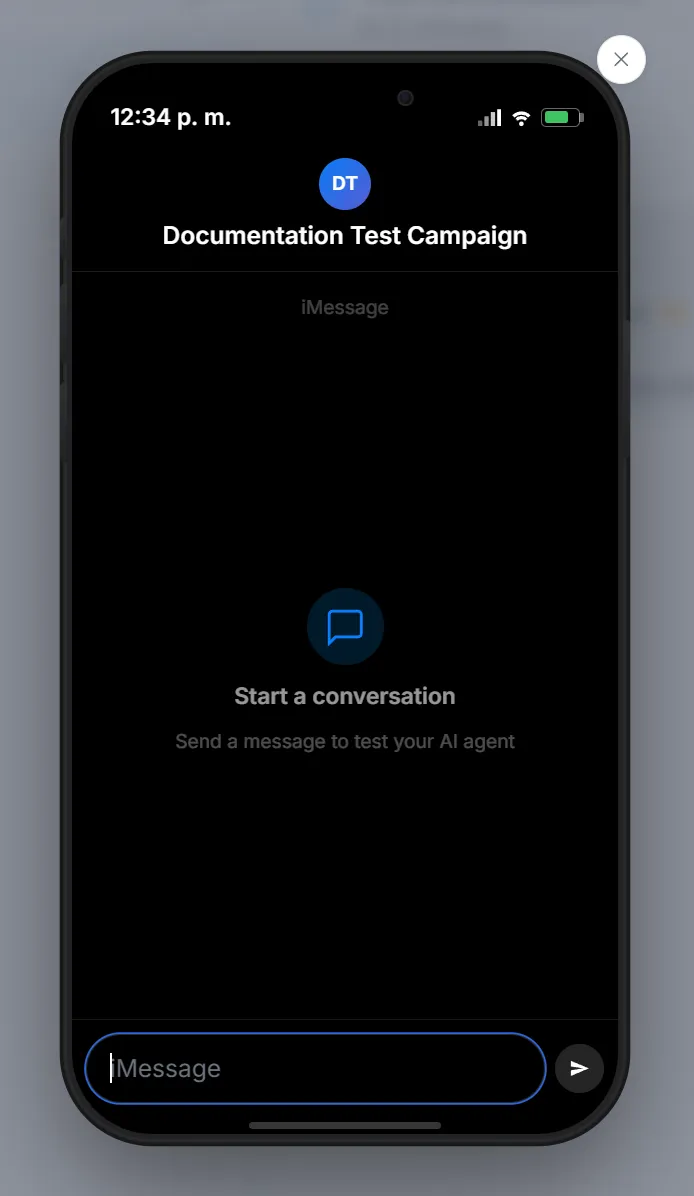
- Type messages in the input field
- AI agent responds in real time
- Test different scenarios and edge cases
- Click Start Over to reset
Test conversations appear in the Sessions list for later review.